Smart USB Backup automatically protects your files whenever your configured USB drive is connected. No drive letter mapping. No manual copying. Just plug in and continue working.
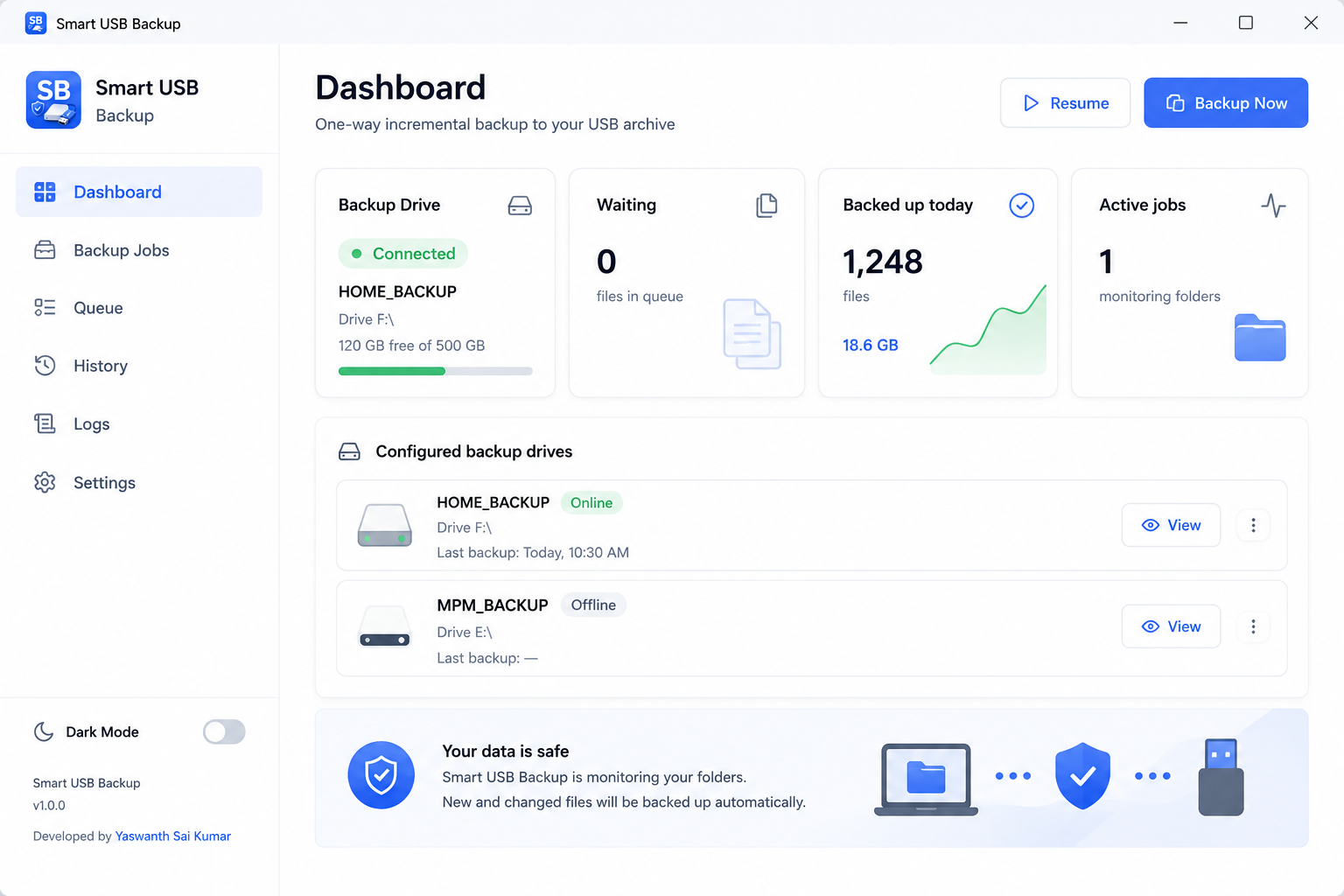
Instead of remembering drive letters, Smart USB Backup places a hidden token on your USB drive. It recognizes your drive even if Windows changes it from F: to H: or Z:.
Connect your configured USB drive and backup starts automatically. No buttons. No prompts. No manual work.
Only new or modified files are copied. Fast. Efficient. No duplicate backups.
Whenever files change inside your selected folders, Smart USB Backup copies them automatically.
USB Flash Drives External HDD External SSD No drive letter dependency.
No cloud. No uploads. Your files never leave your computer.
Choose folders and register your USB drive.
A hidden token uniquely identifies your drive.
Whenever that drive is connected, backup starts automatically.
Your files stay backed up automatically.
Configure once. Plug in anytime. Smart USB Backup automatically keeps your files safe.
Download for WindowsB.Yaswanth Sai Kumar
I taught myself programming and work as a freelance video editor. During my editing work, I kept running into the same problem: manually backing up project files to an external hard drive every single time. It was repetitive, easy to forget, and interrupted my workflow. I searched for a simple backup tool that would automatically back up my files whenever my USB drive was connected. Most solutions were either too complicated, focused on cloud storage, or didn't provide the simple "plug in and forget it" experience I was looking for. So I decided to build my own. Smart USB Backup is the result—a lightweight Windows application that automatically detects your configured USB drive and starts backing up your files in the background. It uses a hidden identifier stored on the drive, so it recognizes the correct drive even if Windows changes its drive letter.
I'm releasing Smart USB Backup as a free public beta while I continue improving it. More features, greater control, and a more advanced version are already in development. My goal is to create a reliable, lightweight backup tool that anyone can configure once and trust every day.